
Google Ads Budget for Indian Businesses: What to Expect at Every Spending Level
Google Ads budget guide for Indian businesses. What ₹5,000, ₹25,000, ₹50,000, and ₹1,00,000 per month can get you. CPC benchmarks, campaign types, and budget optimization tips.
VidyaSaaS Team
Super Administrator
Introduction
A gym owner in Bhopal once asked me: "I want to try Google Ads. How much should I spend?"
It seems like a simple question. But the right answer isn't a number — it's a framework.
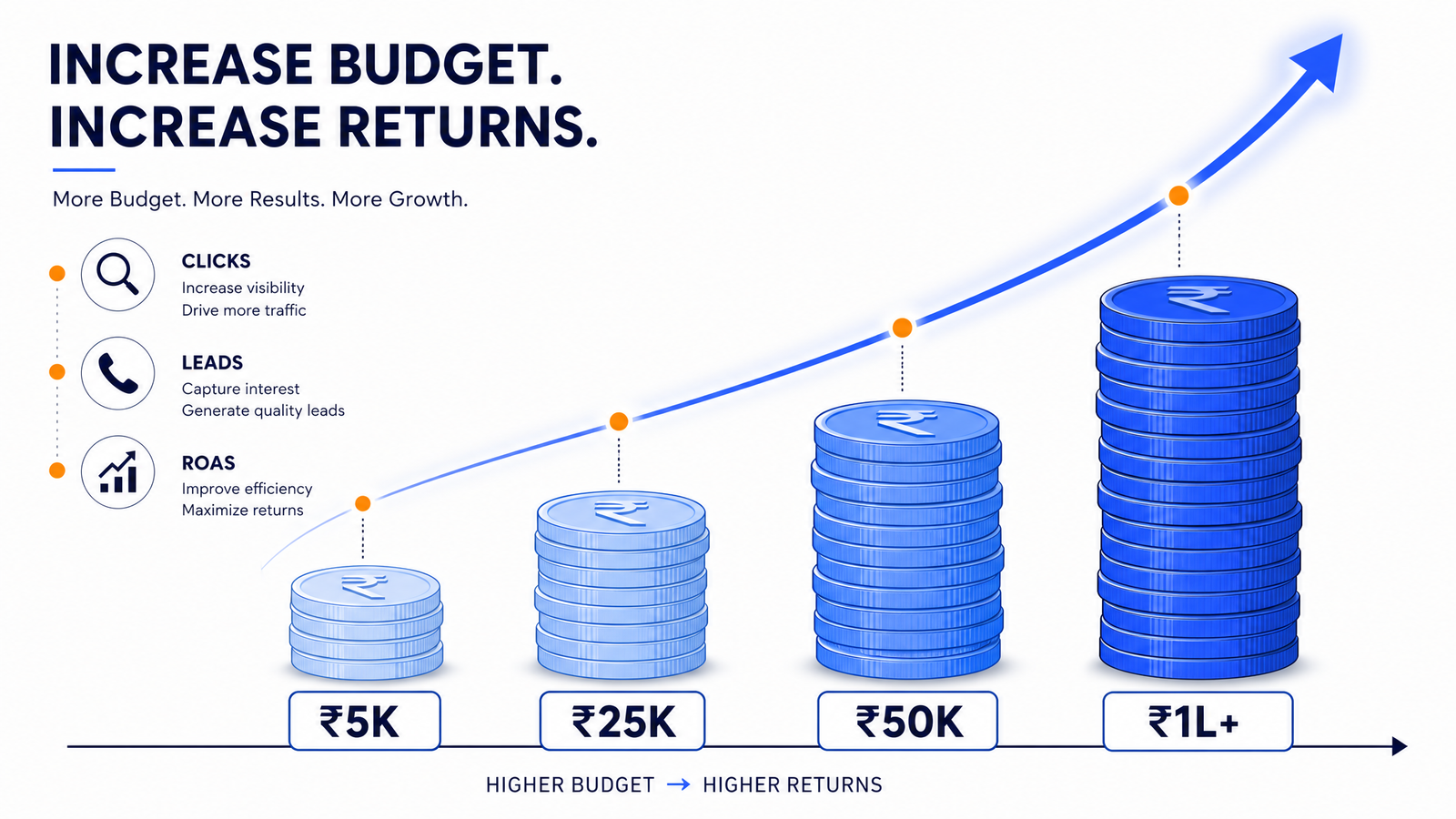
Because ₹5,000 per month gets you something. ₹25,000 gets you something else. And ₹1,00,000 is a completely different game. The mistake most Indian businesses make is either spending too little to get meaningful data (and concluding "Google Ads doesn't work") or spending too much without a strategy (and burning cash). For a deeper dive, see Google Ads strategies.
This guide breaks down exactly what you can expect at each budget level — what campaigns types to run, how many clicks you'll get, how many leads to expect, and how to avoid common mistakes at each level.
How Google Ads Pricing Works
Before we talk budgets, you need to understand how Google Ads charges you.
Google Ads uses an auction system. You tell Google the maximum you're willing to pay for a click (your bid). When someone searches for your keyword, Google runs a real-time auction considering your bid and Quality Score (how relevant your ad is). For a deeper dive, see social media advertising on a budget: getting results w.
You pay the minimum amount needed to beat the next competitor — not your full bid. If you bid ₹50 and the next highest bid is ₹30, you pay approximately ₹31, saving ₹19 on that click.
Your actual cost per click depends on:
- Keyword competition: Insurance, loans, real estate are expensive. Local services, niche B2B are cheaper.
- Quality Score: Higher relevance means lower CPC. Google rewards well-optimized campaigns.
- Location: Delhi and Mumbai have higher CPCs than Indore or Bhopal. Tier 2 city advertisers get more clicks per rupee.
- Ad Rank: The combination of your bid, Quality Score, and expected impact of ad extensions determines where your ad appears.
Budget Tier 1: ₹5,000 per Month (Entry Level)
Who This Is For
- Very small local businesses testing Google Ads for the first time
- Solopreneurs and freelancers
- Businesses in small towns with low competition
- Anyone who wants to test if Google Ads works for their business before scaling
What You Can Expect
At ₹5,000 per month (about ₹165 per day), you're operating at the minimum viable budget. Your reach will be limited, but it's enough to test and learn. For a deeper dive, see digital marketing framework.
Clicks: 50-150 per month (at ₹30-100 CPC, depending on your industry) Impressions: 1,000-5,000 Leads/Conversions: 2-15 (depends on conversion rate)
Best Campaign Types
Local Services Ads (if available in your category): These appear at the very top of search results for service businesses. Google only charges for valid leads (phone calls or messages), making them ideal for small budgets. Available for plumbers, electricians, locksmiths, cleaners, and similar services.
Search Campaign (exact match and phrase match only): With a small budget, you cannot waste money on broad match keywords. Use exact match to ensure your ad shows only for searches closely related to your business.
How to Structure
- 1 campaign, 2-3 tightly themed ad groups
- 5-10 keywords (all exact match or phrase match)
- Target a specific location (your city or neighborhood only)
- Target only mobile devices (80%+ of Indian searches happen on mobile)
- Use manual CPC bidding (automated bidding doesn't work well with small budgets)
Realistic Expectations
- Don't expect massive sales volume. You're collecting data.
- Focus on CPC and conversion rate, not total conversions
- Run for at least 30-45 days before making major decisions
- The goal at this level is to learn, not to profit
Common Mistakes at This Level
Mistake: Running Display campaigns. Display has low CPC but even lower intent. With Display, your ₹5,000 generates lots of clicks but zero conversions.
Mistake: Targeting your entire country. With ₹165/day, targeting "India" means your ad shows a few times in every city and nowhere gets enough impressions to convert.
Mistake: Using broad match keywords. "Pest control" as a broad match can show for "pest control salary" or "pest control certification" — wasted clicks.
Budget Tier 2: ₹25,000 per Month (Growing Business)
Who This Is For
- Established local businesses ready to invest in digital
- Ecommerce stores with 100-200 products
- Service businesses wanting consistent lead flow
- Businesses with a functioning website and clear service pages
What You Can Expect
At ₹25,000 per month (₹830 per day), you have room to test multiple campaign types and keywords.
Clicks: 300-800 per month Impressions: 8,000-25,000 Leads/Conversions: 15-80 per month (for service businesses)
Best Campaign Types
Search Campaign (primary): 70% of budget allocated here. Use a mix of exact match and phrase match keywords. Expand to 15-25 keywords across 4-6 ad groups.
Shopping Campaign (if ecommerce): 30% of budget. Your product feed determines success here.
Performance Max: Worth testing with 20% of budget once your Search campaigns are optimized.
How to Structure
- 2-3 campaigns (Search + Shopping + one test campaign)
- 4-6 ad groups per campaign
- 15-25 keywords with negative keywords active
- Test automated bidding (Target CPA) once you have 30+ conversions in 30 days
- Add ad extensions (sitelinks, callouts, call extensions, structured snippets)
- Add location bid adjustments (+20% for your primary service area)
Realistic Expectations
- You should start seeing consistent leads or sales within 2-4 weeks
- ROAS of 4:1 to 8:1 is achievable for most service businesses
- Ecommerce ROAS of 3:1 to 5:1 is reasonable depending on margins
- You can start making optimization decisions based on actual data (not guesses)
Common Mistakes at This Level
Mistake: Spreading budget too thin across too many campaigns. Better to concentrate on 2 well-optimized campaigns than 5 mediocre ones.
Mistake: Not using negative keywords. Review your search terms report weekly and add irrelevant searches as negative keywords.
Mistake: Sending all traffic to your homepage instead of specific landing pages. Each ad group should point to the most relevant page.
Budget Tier 3: ₹50,000 per Month (Serious Investment)
Who This Is For
- Growth-stage businesses ready to scale customer acquisition
- Ecommerce stores with 500+ products and Google Merchant Center
- Businesses targeting multiple cities or regions
- Companies with dedicated marketing or a digital agency managing campaigns
What You Can Expect
At ₹50,000 per month (₹1,665 per day), you have significant reach and can run a comprehensive strategy.
Clicks: 700-1,800 per month Impressions: 20,000-60,000 Leads/Conversions: 40-200 per month (service businesses); 100-500 sales (ecommerce)
Best Campaign Types
Search (40% of budget): Full keyword coverage with 30-50 keywords across 8-12 ad groups. Use phrase match as your primary match type, exact match for high-performing terms, and test broad match with smart bidding for discovery.
Shopping (30% of budget — ecommerce): Product feed optimization becomes critical. Segment by product category and bid differently for high-margin vs high-volume products.
Performance Max (20% of budget): Google's AI-driven campaign that covers Search, Display, YouTube, Discover, and Gmail. Works best with a solid conversion history.
Retargeting (10% of budget): Both Google Display retargeting and YouTube retargeting. Remarketing lists for search ads (RLSA) — bid higher for people who previously visited your site.
How to Structure
- 4-6 campaigns (Search, Shopping, Performance Max, Display retargeting)
- Experiment with Target ROAS bidding
- Segment by product category (ecommerce) or service type (local business)
- A/B test ad copy and landing pages monthly
- Weekly optimization cadence — pause low performers, scale winners
Realistic Expectations
- Consistent, predictable lead flow
- ROAS of 5:1+ for services, 4:1+ for ecommerce
- You can start reducing dependence on other marketing channels
- Google Ads becomes a primary, not experimental, channel
Common Mistakes at This Level
Mistake: Not segmenting mobile and desktop campaigns. If your mobile experience converts at 3% and desktop at 5%, they need separate bid adjustments.
Mistake: Ignoring the search terms report. At this budget, unchecked search terms can waste thousands per month.
Mistake: Running stale ads for months. Refresh ad copy every 4-6 weeks to prevent ad fatigue and declining CTR.
Budget Tier 4: ₹1,00,000+ per Month (Scale)
Who This Is For
- Established brands with multi-channel marketing
- High-volume ecommerce stores
- Businesses targeting national audiences
- Companies treating Google Ads as a primary growth channel
What You Can Expect
At ₹1,00,000+ per month (₹3,300+ per day), you're operating at a scale where small optimizations produce significant results.
Clicks: 1,500-4,000+ per month Impressions: 50,000-2,00,000+ Leads/Conversions: Depends on industry, but significant volume
Best Campaign Types
Full funnel coverage: Search (all match types optimized), Shopping (fully segmented product feed), Performance Max (multiple asset groups), Display (retargeting + prospecting), YouTube (in-stream and discovery campaigns), Discovery campaigns
Advanced tactics:
- Customer Match (target your email lists)
- Dynamic Search Ads (DSA)
- Local inventory ads (for brick-and-mortar stores)
- Cross-channel attribution modeling
- Custom intent audiences for Display
- YouTube action campaigns for video conversions
How to Structure
- 8-15+ campaigns with clear segmentation
- Dedicated campaigns for brand vs non-brand
- Separate campaigns for each product category (ecommerce)
- Location-specific campaigns for multi-city businesses
- Full-funnel bidding strategy with different ROAS targets for each funnel stage
- Integration with CRM for offline conversion tracking
Realistic Expectations
- This is a serious business investment, not an experiment
- Expect ROAS of 6:1+ for well-optimized accounts (services can reach 15:1+)
- Reporting includes in-depth attribution analysis
- Campaigns are optimized daily or multiple times per week
Common Mistakes at This Level
Mistake: Not integrating CRM data. Without offline conversion tracking (phone calls, form submissions, in-store visits that connect to the right ad impressions), you're optimizing on incomplete data.
Mistake: Ignoring brand vs non-brand separation. Brand terms convert at 20-40%; non-brand at 1-5%. They need different budgets and strategies.
Mistake: Not running experiments. At this spend level, regular A/B testing on bidding, audiences, ad formats, and landing pages should be standard practice.
Google Ads CPC Benchmarks by Industry (India)
These are approximate benchmarks for Search campaigns targeting Tier 1 and Tier 2 cities:
| Industry | Avg CPC Range | Notes | |----------|--------------|-------| | Local Services (plumber, electrician, salon) | ₹25-60 | Lower in small cities | | Healthcare (dentist, dermatologist, clinic) | ₹50-150 | Competitive metro keywords higher | | Education (coaching, courses, online learning) | ₹20-60 | Highly seasonal (exam season spikes) | | Real Estate (flats, property, builders) | ₹40-150 | Project-specific CPCs vary wildly | | Ecommerce (general, fashion, home decor) | ₹15-40 | Shopping CPCs typically lower than search | | Ecommerce (electronics, appliances) | ₹30-80 | Higher margins justify higher CPC | | Legal (lawyer, advocate, property dispute) | ₹80-250 | Very competitive, high CPC | | Insurance (health, life, car) | ₹100-350 | Among the highest CPCs in India | | B2B Services (IT, consulting, agency) | ₹40-120 | Accountants, consultants, software | | Travel & Hospitality | ₹20-60 | Seasonal fluctuations |
Budget Allocation Strategy
No matter your budget level, here's how to allocate across campaign types:
For Service Businesses
| Budget Level | Search | Display/Retargeting | YouTube | Performance Max | |-------------|--------|-------------------|---------|----------------| | ₹5,000/mo | 100% | 0% | 0% | 0% | | ₹25,000/mo | 80% | 10% | 0% | 10% | | ₹50,000/mo | 60% | 15% | 5% | 20% | | ₹1,00,000+/mo | 50% | 20% | 10% | 20% |
For Ecommerce Stores
| Budget Level | Search | Shopping | Display/Retargeting | Performance Max | |-------------|--------|---------|-------------------|----------------| | ₹5,000/mo | 50% | 50% | 0% | 0% | | ₹25,000/mo | 40% | 40% | 10% | 10% | | ₹50,000/mo | 30% | 40% | 15% | 15% | | ₹1,00,000+/mo | 25% | 35% | 20% | 20% |
Common Budget-Wasting Mistakes at Every Level
-
Not tracking conversions: You can't optimize what you can't measure. Set up conversion tracking before spending a single rupee.
-
Using default settings: Google's default settings favor broad reach, not profitability. Always restrict location, adjust bidding, and set negative keywords.
-
Running one campaign for everything: Search, Shopping, Display, and YouTube need separate campaigns because they serve different purposes.
-
Ignoring the search terms report: This is the single most impactful optimization you can do. Weekly review prevents waste.
-
Not using ad scheduling: If your business only operates 9 AM to 7 PM, don't show ads at 2 AM. Schedule ads for your business hours.
-
Bidding equally on all keywords: Your brand keyword should have different bid than a generic competitor keyword. Segment by intent.
-
Not testing landing pages: A 1% improvement in conversion rate can double your ROAS. Test headlines, CTAs, form fields, and page layouts.
-
Pausing too early: Google's algorithm needs 2-4 weeks to learn. Pausing after 7 days doesn't give the system enough data.
-
Not using negative keywords: Common negative keywords for most Indian businesses: "free," "job," "salary," "DIY," "tutorial," "repair" (unless that's your service).
-
Copying competitor strategy blindly: Your budget, audience, and goals are unique. What works for a competitor may fail for you.
How to Start Small and Scale
If you're unsure where to start, here's a proven path:
Month 1: ₹10,000 budget. One Search campaign. 10 exact match keywords. Target one city. Track everything. Learn what works.
Month 2: ₹10,000 budget. Keep the winner, pause the losers. Add 5 new keywords based on search terms report. Start collecting retargeting audiences.
Month 3: ₹15,000 budget. Add retargeting (₹3,000). Scale Search to ₹12,000. Test one new campaign type (Shopping or Performance Max at ₹3,000).
Month 4+: Scale what works. Add budget to winning campaigns. If you're consistently getting good ROAS, double down. If not, fix the conversion path first — more budget can't fix a broken funnel.
📚 Related Articles You Might Like:
Conclusion
The gym owner from Bhopal who asked about budget? He started with ₹8,000 per month. Search campaign. 12 keywords targeting Bhopal. Membership offers and trial pass as conversion goals.
First month: ₹8,000 spent, 62 clicks, 4 leads, 1 membership sold. Net loss month one.
Second month: He let me optimize. Added negative keywords. Brought in sitelink extensions. Changed the landing page — from his homepage to a dedicated "Free Trial Pass" page. ₹8,000 spent, 58 clicks, 11 leads, 3 memberships sold. Positive ROI.
By month six, he was spending ₹35,000 per month across Search and retargeting, getting 25+ leads monthly, and his cost per lead was ₹200 per qualified inquiry.
He didn't need a massive budget to start. He needed the right structure, patience to let data accumulate, and discipline to optimize.
Your Google Ads budget doesn't define your success. How you use it does.
At VidyaSaaS, we've managed Google Ads campaigns at every budget level — from ₹5,000 experiments to ₹5,00,000+ monthly spends. Our performance marketing services are built for Indian businesses, with transparent reporting and no hidden fees.
Ready to start or scale your Google Ads? Contact VidyaSaaS for a free Google Ads audit. We'll review your industry, competitors, and budget to build a strategy that works. Call +91 97542 70102 or email info@vidyasaas.com.
Want Results Like This?
Get a free digital marketing audit and custom growth plan for your business.
Get Free AuditVidyaSaaS Team
Super AdministratorPart of the VidyaSaaS team — a group of digital marketing strategists, content specialists, and growth experts helping businesses across India achieve measurable results through data-driven marketing.
More about our teamRelated Articles
Handpicked content to help you grow your business

Hubli-Dharwad Twin Cities Digital: Performance Marketing for Karnataka Commercial Capital
Hubli-Dharwad is called Chota Mumbai for its commercial intensity. But its 5,000 MSMEs barely use Go...

Jamnagar Brass to Reliance: Performance Marketing for Gujarat Industrial and Marine Giant
Jamnagar hosts the world largest oil refinery and a 500-year-old brass industry. But its businesses...

Kakinada Port to Profit: Performance Marketing for Andhra Energy and Aquaculture Economy
Kakinada supplies 40% of India seafood exports and hosts the KG Basin gas operations. Yet most busin...
Ready to Grow Your Business?
Let's discuss how we can create a data-driven digital marketing strategy tailored to your goals.